Docker Network
Managing Docker Networks
On the "Network" page, you can view and manage the network configuration of containers. The network mode determines how containers interact with external networks and how they communicate with each other.
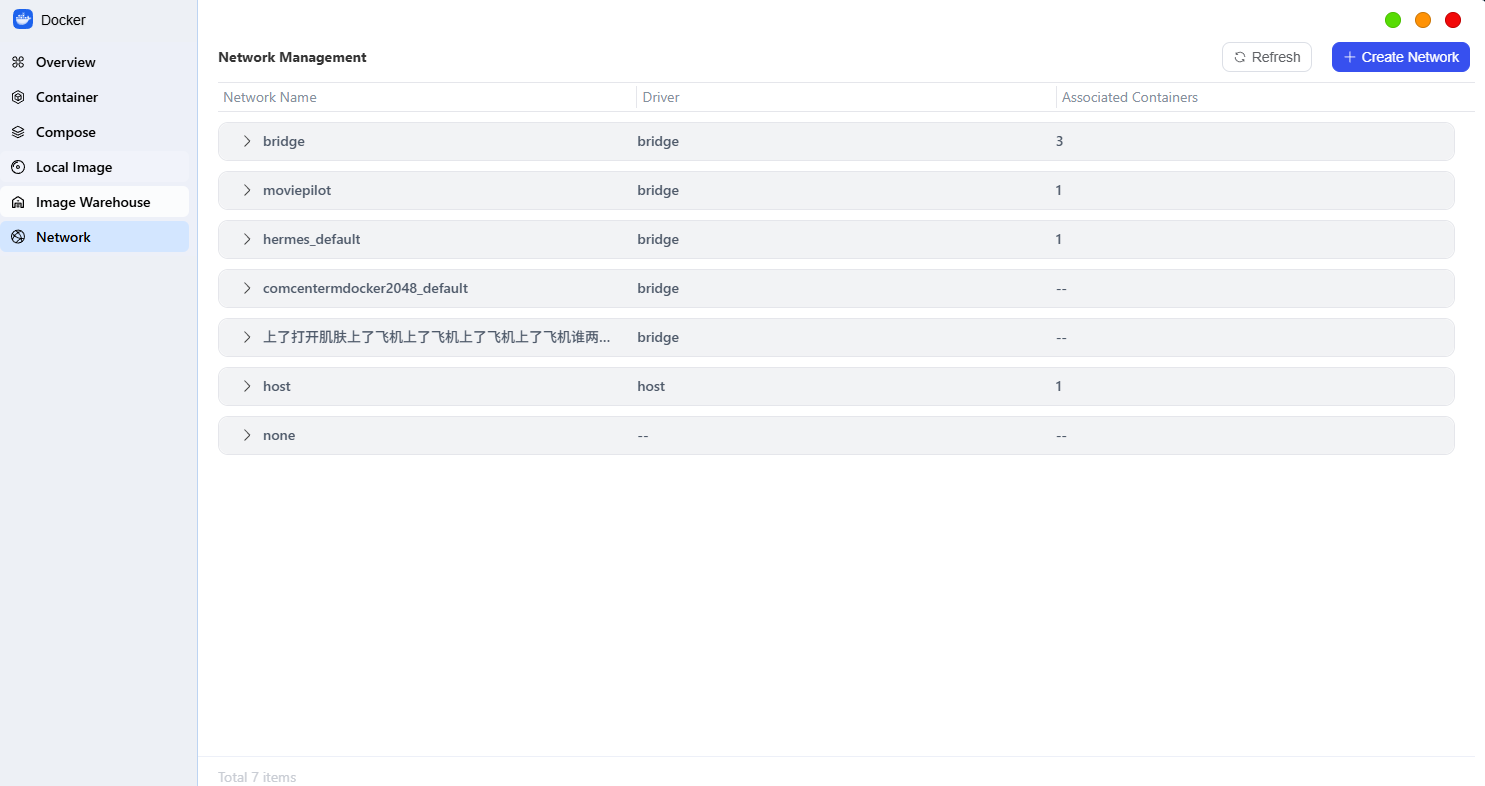
Common Network Models
Docker primarily supports the following three networking modes; you can choose the one that best suits your needs:
- Bridge (Bridge Mode)
This is Docker’s default mode. Docker creates an isolated virtual network environment for the container, and the container communicates with the outside world via “port mapping” (for example, mapping the container’s port 8080 to port 80 on the NAS).
You can freely change the mapped ports and access container services (such as web pages) using the format “NAS IP:port.”
- Host (Host Mode)
In this mode, containers directly use the NAS’s IP network. If the NAS has obtained an IPv6 address, containers can also directly establish IPv6 connections.
- None (No Network Mode)
In this mode, the container is completely disconnected from the network and is not assigned an IP address. It supports only the execution of its internal programs and is suitable for local tasks that do not require an internet connection.
Managing Network Configuration
You can perform the following management operations on the "Network" interface:
● Click "Add" to create a custom network to meet specific network requirements.
● Select a network mode and click the "View" button to view detailed configuration information for that network, such as subnets and gateways.
● For custom networks that are no longer in use, select them and click "Delete" to free up resources.
Note: The system default network cannot be deleted.